/Sources → /Knowledge
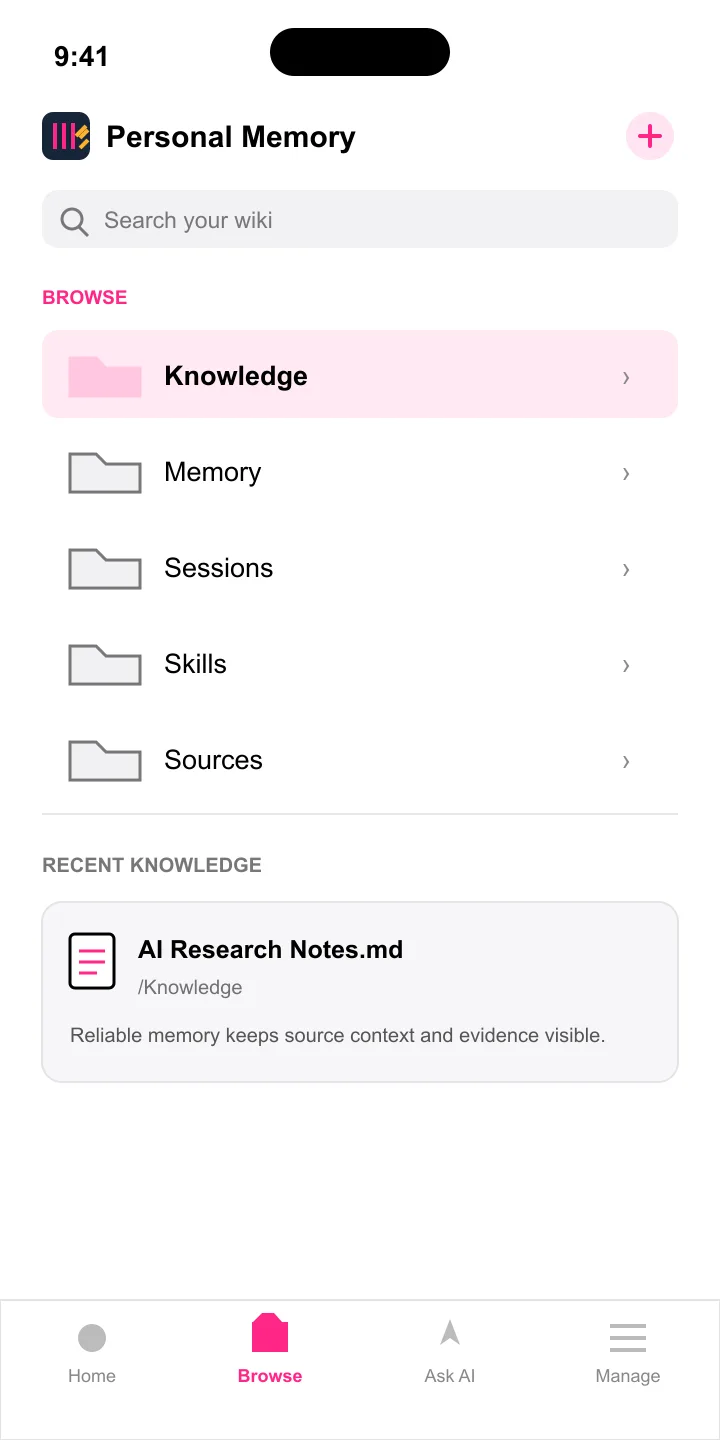
Browse what you saved
Move from a captured source to useful knowledge.
Search and read Sources, Knowledge, Memory, Sessions, and Skills across the databases you choose.

KinicWiki: AI Memory
For iPhone and iPad
The Share Extension
Share a page from Safari or a post from X, choose a Kinic Wiki database, and keep an inspectable source without leaving what you are reading.
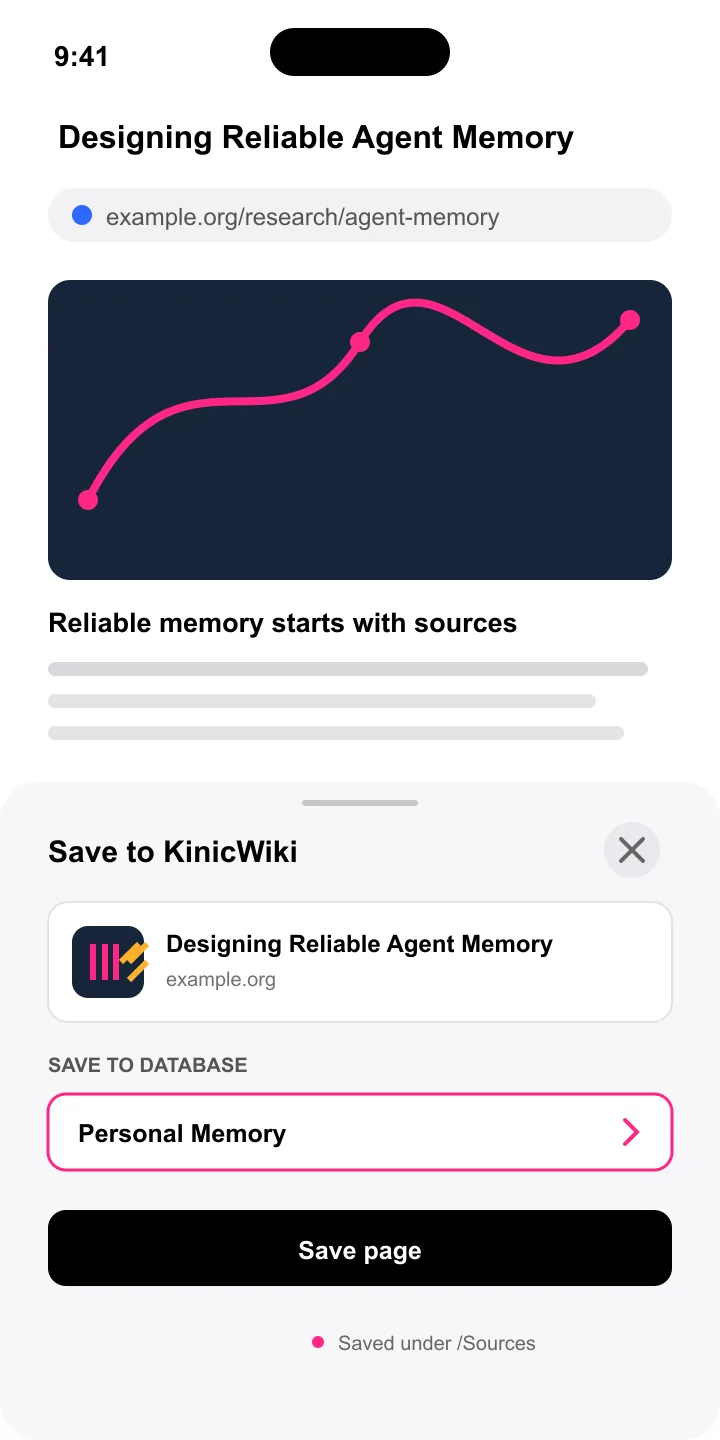
After capture
/Sources → /Knowledge
Browse what you saved
Search and read Sources, Knowledge, Memory, Sessions, and Skills across the databases you choose.
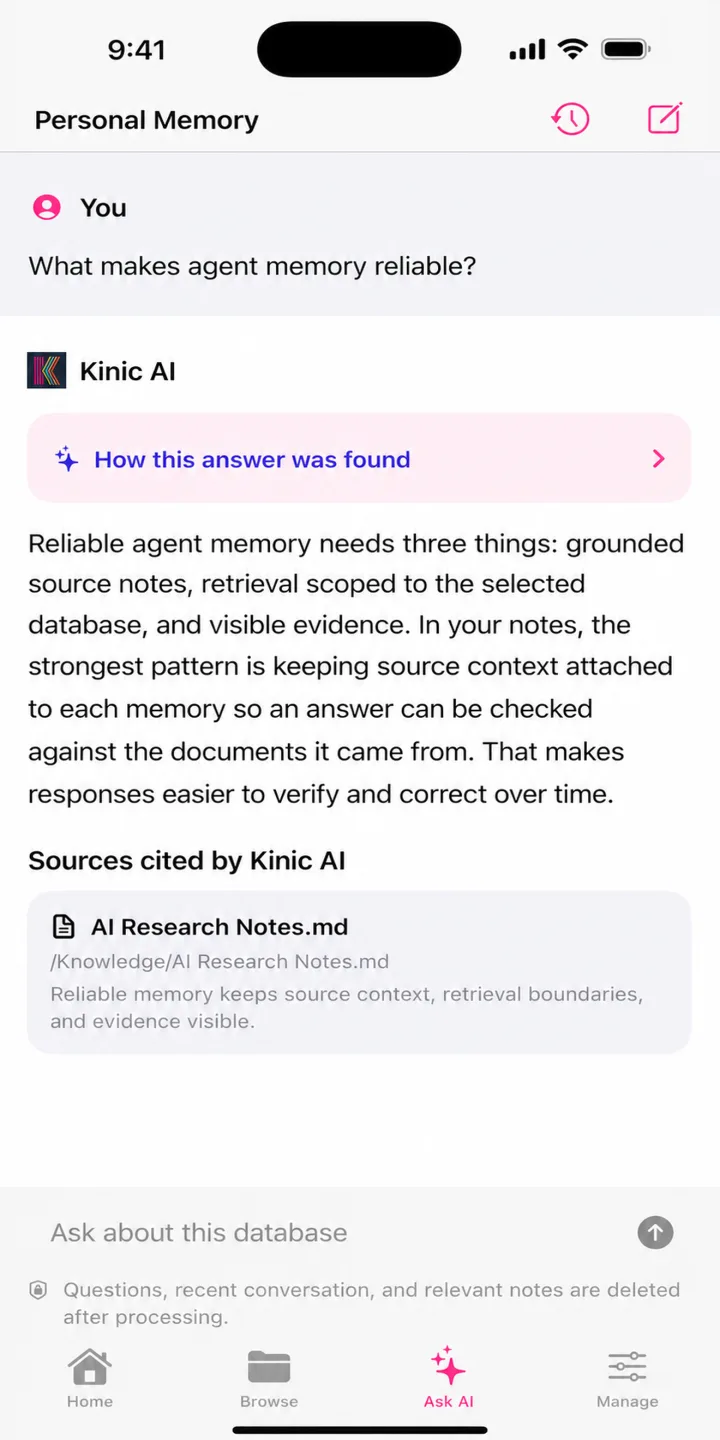
cited answer
Ask with the source attached
Ask one selected database a question, then inspect the documents Kinic AI searched and cited.
Built for your memory
KinicWiki keeps the database you choose at the center. Identity, storage, and AI processing each have a clear role.
Read the Privacy PolicySign in with Internet Identity instead of creating another password.
Your notes live in the Kinic Wiki database you select on the Internet Computer.
Ask AI history stays on your device, and request data is discarded after processing.
KinicWiki: AI Memory for iPhone and iPad.